





Description
Key Features of Dexcom ONE+
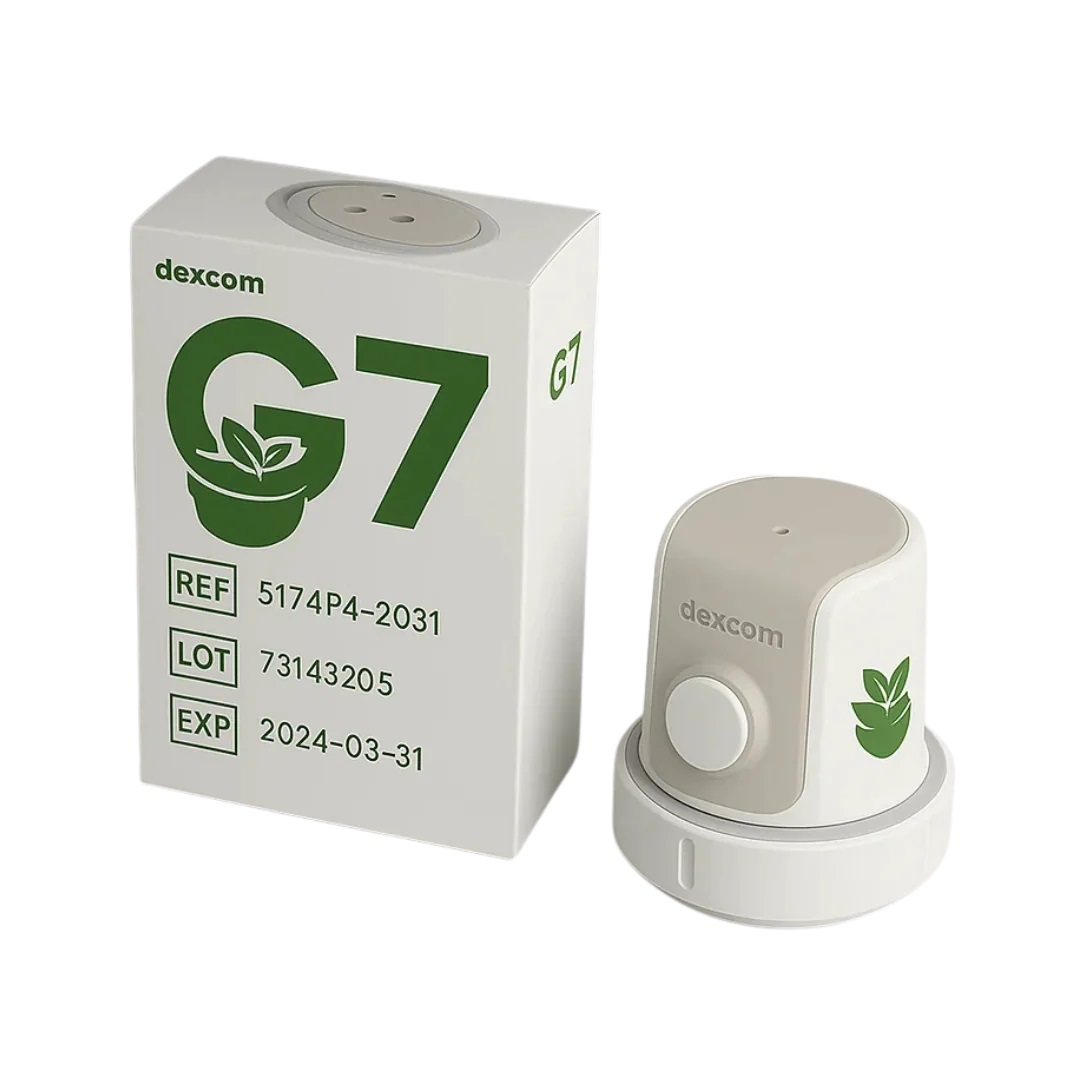
Dexcom ONE+ is a compact Continuous Glucose Monitoring (CGM) system designed to make everyday glucose monitoring simpler and more convenient for people living with diabetes.
Continuous Glucose Monitoring
Dexcom ONE+ automatically measures glucose levels and provides an updated reading every five minutes. This allows users to monitor their glucose levels and trends throughout the day and night without needing to scan the sensor.
Compact All-in-One Sensor
Dexcom ONE+ combines the sensor and transmitter into a single wearable unit. Its discreet design is smaller than the previous-generation Dexcom ONE system, helping make it comfortable and convenient for everyday wear.
30-Minute Sensor Warm-Up
After starting a new Dexcom ONE+ sensor, the system has an approximately 30-minute warm-up period before glucose readings become available.
10-Day Sensor Wear with 12-Hour Grace Period
Each Dexcom ONE+ sensor can be worn for up to 10 days. At the end of the standard sensor session, users have an additional 12-hour grace period, providing greater flexibility when deciding when to replace the sensor.
High and Low Glucose Alerts
The Dexcom ONE+ app provides customisable High and Low glucose alerts. These notifications can help users recognise when their glucose readings move outside their selected ranges.
The system also includes a Delay 1st Alert option, allowing users to personalise when their first High Alert is received.
Smartphone and Smartwatch Compatibility
Dexcom ONE+ can connect to compatible Apple and Android smartphones through the Dexcom ONE+ app.
Glucose information can also be viewed on a compatible Apple Watch when used with a compatible iPhone. The Apple Watch receives Dexcom ONE+ information through the connected iPhone rather than communicating directly with the sensor.
Always check the manufacturer’s latest compatibility guidance before using Dexcom ONE+ with a smartphone or smartwatch.
Waterproof for Everyday Activities
When correctly installed, the Dexcom ONE+ sensor is waterproof and can remain in place while showering, exercising or swimming.
The sensor can withstand immersion in water up to 2.4 metres deep for up to 24 hours when properly fitted.
Dexcom ONE+ Sensor Specifications
Sensor Wear Time: Up to 10 days, followed by a 12-hour grace period.
Glucose Updates: Automatic glucose readings approximately every five minutes.
Warm-Up Time: Approximately 30 minutes.
Sensor Design: Compact all-in-one sensor and transmitter.
Display Options: Compatible smartphone using the Dexcom ONE+ app, optional Dexcom ONE+ receiver and compatible smartwatch when used with a compatible smartphone.
Water Protection: Waterproof up to 2.4 metres for up to 24 hours when correctly installed.
Approved Wear Locations: Abdomen or back of the upper arm for users aged 2 years and over. Children aged 2 to 6 years may also use the upper buttocks.
How to Apply the Dexcom ONE+ Sensor
Always read and follow the manufacturer’s instructions supplied with your Dexcom ONE+ sensor before application.
Step 1: Choose the Sensor Location
Select an approved application area. Users aged 2 years and over can wear Dexcom ONE+ on the abdomen or back of the upper arm. Children aged 2 to 6 years may also use the upper buttocks.
Choose an area with sufficient padding and avoid locations that are likely to be knocked, pressed or repeatedly rubbed by clothing.
Step 2: Prepare Your Skin
Make sure the application area is clean and completely dry. Avoid applying the sensor to irritated, damaged or broken skin.
Step 3: Apply the Sensor
Remove the applicator from its packaging and follow the supplied instructions. Position the applicator firmly against the prepared skin and use the application mechanism to insert the sensor.
Once fitted, check that the adhesive is securely attached to the skin.
Step 4: Connect the Sensor
Open the Dexcom ONE+ app on your compatible smartphone or use the optional Dexcom receiver. Follow the on-screen instructions to pair and start your new sensor.
Step 5: Begin Glucose Monitoring
Once the approximately 30-minute warm-up period has finished, Dexcom ONE+ will begin providing automatic glucose readings.
Dexcom ONE+ App
The Dexcom ONE+ app is available for compatible iOS and Android smartphones and provides easy access to your glucose information.
Features include:
- Current glucose readings
- Glucose trend information
- High and Low alerts
- Customisable alert settings
- Event logging
- Summary information to help identify glucose patterns
Dexcom Follow
Dexcom ONE+ includes Share and Follow functionality, allowing users to share glucose readings with selected family members, friends or carers.
Glucose information can be shared with up to 10 Followers using the separate Dexcom Follow app and an internet connection.
Followers may be able to view glucose readings, trend information and selected notifications remotely, providing additional support where required.
Dexcom Clarity
Dexcom Clarity helps users and healthcare professionals review glucose patterns and trends over longer periods.
Reports can provide useful information about glucose management and may support discussions with your diabetes healthcare team.
Compatible Health Apps
Dexcom ONE+ can connect with selected third-party health applications, providing additional ways to view and understand glucose information.
Compatibility varies between apps and devices, so always check the latest Dexcom compatibility information before attempting to connect another application.
Tips for Wearing Your Dexcom ONE+ Sensor
Choose an Appropriate Site: Select an approved area where the sensor is less likely to be knocked, rubbed by clothing or placed under pressure.
Rotate Sensor Locations: Consider changing the application area when fitting a new sensor to help reduce repeated irritation to the same area of skin.
Avoid Problem Areas: Avoid skin with irritation, scarring or excessive hair and areas close to waistbands or locations frequently subjected to pressure.
Keep the Sensor Secure: Take care when changing clothes, drying yourself with a towel or taking part in physical activities that could catch the edge of the sensor.
Consider Additional Adhesive Support: If required, an appropriate CGM overpatch or adhesive support may help keep the sensor securely attached. Follow the manufacturer’s recommendations when using additional adhesive products.
Important Information
Dexcom ONE+ should always be used according to the manufacturer’s instructions and any advice provided by your diabetes healthcare team.
Routine finger-prick testing is not normally required when using Dexcom ONE+. However, if your glucose readings or alerts do not match your symptoms or expectations, use a blood glucose meter before making diabetes treatment decisions.
Always check that your smartphone, smartwatch or other display device is compatible with Dexcom ONE+ before use.





Reviews
There are no reviews yet.