





Description
Key Features of Dexcom ONE
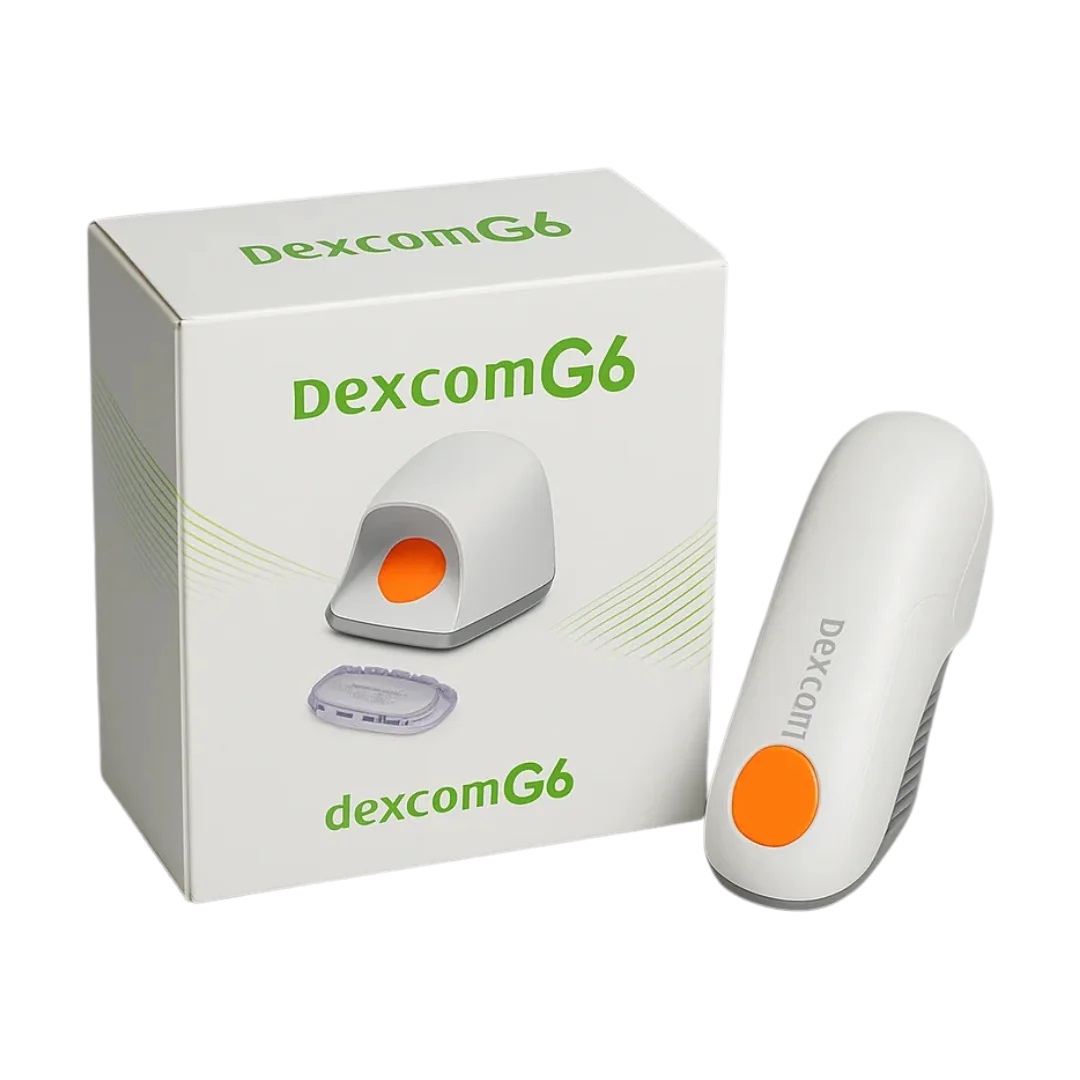
Dexcom ONE is a continuous glucose monitoring (CGM) system designed to provide convenient, real-time glucose information throughout the day and night. It allows users to monitor their glucose levels, understand trends and receive alerts through a compatible smartphone or Dexcom receiver.
Real-Time Glucose Monitoring
Dexcom ONE automatically measures glucose levels and sends updated readings every five minutes to a compatible smartphone or optional Dexcom receiver. This allows users to monitor their glucose levels without repeatedly scanning the sensor.
Finger-prick testing is not routinely required for treatment decisions when readings match your symptoms and expectations. If your glucose reading does not match how you feel, a blood glucose meter should be used.
Water-Resistant Sensor
The Dexcom ONE sensor and transmitter are water-resistant when correctly installed, helping users continue everyday activities such as showering, exercising and swimming.
The sensor and transmitter can withstand immersion in water up to 2.4 metres for up to 24 hours when properly fitted. The optional Dexcom receiver is not water-resistant.
Compatible Smartphone Connectivity
Dexcom ONE connects to compatible Apple and Android smartphones using the Dexcom ONE app.
The app displays current glucose readings and trends, allowing users to monitor how their glucose levels are changing throughout the day.
Always check Dexcom’s current device compatibility guidance before purchasing or using the system with your smartphone.
High and Low Glucose Alerts
Dexcom ONE allows users to set High and Low glucose alerts. These notifications can help users recognise when glucose levels move outside their chosen range and take appropriate action in accordance with their diabetes management plan.
Alert settings can be personalised to suit individual requirements.
Accurate Glucose Monitoring
Dexcom ONE is designed to provide accurate continuous glucose readings that can support informed diabetes management decisions.
Glucose readings and trend information can help users understand how factors such as meals, exercise, medication and everyday routines may affect their glucose levels.
Suitable From 2 Years of Age
Dexcom ONE can be used by adults and children aged 2 years and over, subject to appropriate medical guidance.
Approved sensor placement may vary according to age, so always follow the Dexcom ONE instructions for use.
Dexcom ONE Specifications
Sensor Wear Time: Each Dexcom ONE sensor can be worn for up to 10 days before it needs replacing.
Glucose Readings: The system provides automatic glucose readings every five minutes.
Warm-Up Period: Dexcom ONE has an approximately two-hour sensor warm-up period before glucose readings become available.
Connectivity: Glucose information can be transmitted to a compatible smartphone running the Dexcom ONE app or to an optional Dexcom receiver.
Water Resistance: When properly installed, the Dexcom ONE sensor and transmitter are water-resistant to a depth of up to 2.4 metres for up to 24 hours.
Transmitter: Dexcom ONE uses a separate reusable transmitter that can be used across multiple sensor sessions, subject to the manufacturer’s instructions.
How to Apply the Dexcom ONE Sensor
Always follow the instructions supplied with your Dexcom ONE system when inserting or replacing a sensor.
Step 1: Choose and Prepare the Application Area
Select an approved sensor site for your age. Dexcom ONE may be worn on the abdomen or back of the upper arm by users aged 2 years and over. The upper buttocks may also be an approved location for users aged 2 to 17 years.
Make sure the skin is clean and completely dry before applying the sensor.
Step 2: Prepare the Sensor Applicator
Remove the applicator from its packaging and follow the manufacturer’s instructions carefully. Avoid touching areas of the applicator or sensor that should remain clean before insertion.
Step 3: Insert the Sensor
Position the applicator firmly against the prepared skin and use the applicator button as instructed to insert the sensor.
Once inserted, remove the applicator and check that the sensor adhesive is securely attached to the skin.
Step 4: Attach the Transmitter
Fit the Dexcom ONE transmitter into the sensor housing according to the manufacturer’s instructions and make sure it is securely positioned.
Step 5: Start Your Sensor Session
Open the Dexcom ONE app on your compatible smartphone or use your Dexcom receiver and follow the on-screen instructions to start the new sensor session.
Dexcom ONE has an approximately two-hour warm-up period. Once this has finished, glucose readings will begin to appear automatically.
Dexcom ONE App and Glucose Insights
The Dexcom ONE app provides an easy way to view and understand your glucose information.
Depending on your system and settings, you can use it to:
- View current glucose readings
- Monitor glucose trends
- Receive High and Low glucose alerts
- Review how glucose levels change throughout the day
- Access glucose information that can support discussions with your diabetes healthcare team
Dexcom CLARITY can also be used to review glucose patterns and share relevant diabetes data with healthcare professionals where appropriate.
Tips for Wearing Your Dexcom ONE Sensor
Choose the Right Position: Apply the sensor to an approved area where it is less likely to be knocked, rubbed by clothing or accidentally dislodged.
Keep the Area Clean and Dry: Proper skin preparation can help the adhesive remain securely attached throughout the sensor session.
Take Care Around Clothing: Be careful when dressing, drying yourself with a towel or taking part in activities that could catch the edge of the sensor.
Swimming and Showering: The properly installed sensor and transmitter are water-resistant, allowing you to shower and take part in many water-based activities.
Additional Adhesive Support: If the adhesive begins to lift, an appropriate overpatch or adhesive support may help keep the sensor securely in place. Follow Dexcom’s guidance when using additional adhesive products.
Important Information
Always read and follow the Dexcom ONE instructions for use before applying or using the system.
If your Dexcom ONE glucose reading or alert does not match your symptoms or expectations, use a blood glucose meter before making diabetes treatment decisions.
Speak to your diabetes healthcare team if you are unsure whether Dexcom ONE is appropriate for you or need advice about using a continuous glucose monitoring system.





Reviews
There are no reviews yet.